It cannot fix a weak idea
A polished voice cannot make a vague hook or repetitive concept compelling.
Workaround
Write the first sentence as a clear promise, question, or surprising statement before generating audio.
How to make AI voice over videos on TikTok starts with a short script, a voice that fits the mood, and timing that supports the visuals. Text to speech AI can turn a prepared idea into a usable narration track, but the final post still needs human editing.
A strong TikTok voiceover is more than generated speech. It must give viewers a reason to stay, make the message easy to follow, and fit the rhythm of the edit.
Text to speech AI helps with production, but it does not automatically understand your footage, audience, or publishing responsibilities.
A polished voice cannot make a vague hook or repetitive concept compelling.
Workaround
Write the first sentence as a clear promise, question, or surprising statement before generating audio.
Generated narration may run longer than the clips or place emphasis on the wrong word.
Workaround
Generate from short script sections, then trim pauses and adjust the edit around the spoken rhythm.
A natural-sounding voice does not confirm that a claim, trend reference, or sound choice is suitable for TikTok.
Workaround
Check facts, disclosures, rights, and current TikTok publishing guidance before posting.
Some styles sound overly formal, rushed, or emotionally flat when the prompt is too general.
Workaround
Specify audience, mood, pace, pronunciation, and the role the voice should play in the scene.
Use this three-part sequence to move from a TikTok idea to a voiceover that supports the finished edit.
Draft one thought per visual beat. Keep sentences conversational, remove filler, and place the strongest value near the beginning.
Use text to speech AI to create a voiceover draft, then listen for pronunciation, pauses, emphasis, and whether the tone fits the footage.
Align the narration with the cuts, add readable captions, lower competing audio, and watch the complete TikTok before publishing.
Compare a rough voiceover plan with a publish-ready TikTok workflow. The right column describes the standard to aim for, not a promise of automatic results.
Opening
Rough voiceover draft
Begins with background context or a generic greeting.
Publish-ready TikTok
Opens with a clear hook that tells viewers why the next seconds matter.
Script length
Rough voiceover draft
One long paragraph with no visual or timing breaks.
Publish-ready TikTok
Short spoken beats that map naturally to clips, captions, or on-screen text.
Voice direction
Rough voiceover draft
Only says the subject, with no audience or mood.
Publish-ready TikTok
Names the intended tone, pace, audience, and delivery style.
Pronunciation
Rough voiceover draft
Unfamiliar names and terms are left unchecked.
Publish-ready TikTok
Key names, acronyms, and product terms are auditioned and corrected before export.
Audio balance
Rough voiceover draft
Voice competes with music or sound effects.
Publish-ready TikTok
Narration stays intelligible while supporting audio remains present but controlled.
Captions
Rough voiceover draft
Captions are added as an afterthought and may not match the audio.
Publish-ready TikTok
Captions are checked against the final spoken track and kept easy to scan.
Final review
Rough voiceover draft
The creator checks only the generated audio file.
Publish-ready TikTok
The complete TikTok is watched on a phone-sized view before publishing.
Different creators usually need different adjustments. These examples show where text to speech AI can support the workflow without replacing editorial judgment.
Explains a quick process while hands, screens, or products change on camera.
Short, clearly separated lines make each action easier to follow and caption.
text to speech ai tutorial freeBuilds suspense with a personal story, mystery, or unexpected reveal.
A deliberate pace and carefully placed pauses give the visuals room to create tension.
text to speech ai review freeUses stock footage, screen recordings, or simple animations instead of a presenter.
A consistent text to speech AI voice can give separate clips a recognizable narrative thread.
text to speech ai online freeCreates a stylized narrator or fictional personality for recurring TikTok posts.
Voice direction can establish a repeatable mood while the creator checks that the result suits the character.
text to speech gangster voiceThe difference is usually not the generator. It is the preparation around the generator and the final pass inside the edit.
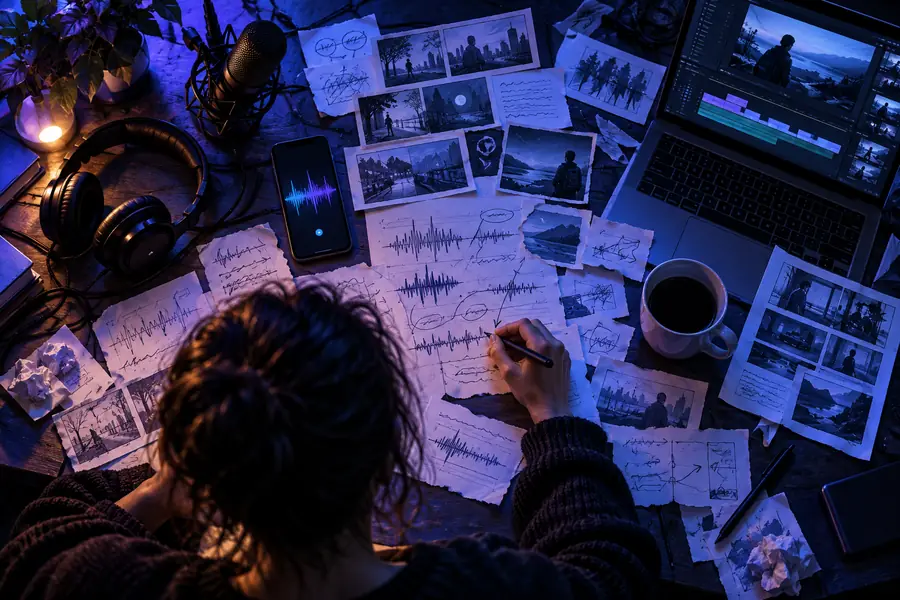 Before: draft narration
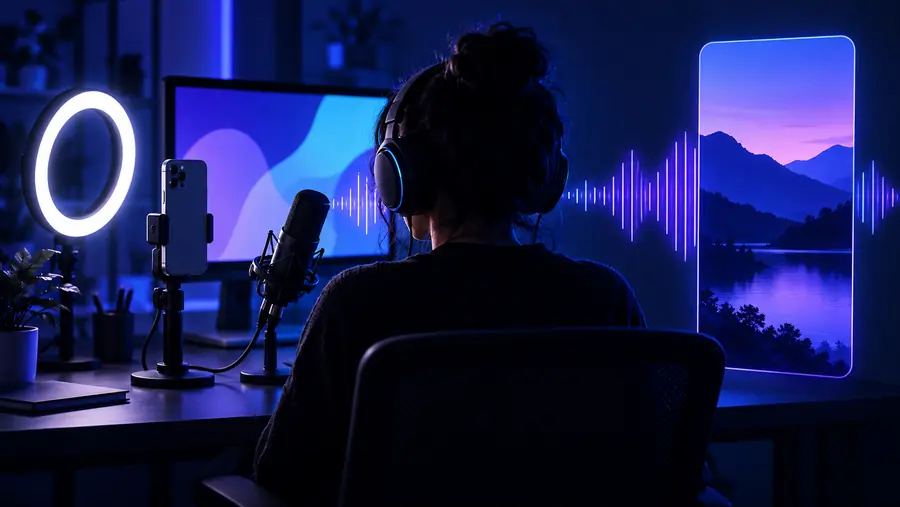 After: edited TikTok voiceover
Bring your script, visual idea, and intended delivery into one focused text to speech AI workflow. Generate a useful draft, then keep the creative control that makes the post feel specific to your audience.
Create a TikTok voiceoverThese answers address common questions about making AI voiceover videos for TikTok.
Write a short script, generate narration with text to speech AI, and place the resulting voiceover under your clips in a video editor. Add captions, balance music and effects, then watch the complete post before publishing.
Yes, an AI voiceover can be used as narration when it fits the content and follows the platform’s current rules. Review disclosure, copyright, impersonation, and other applicable requirements before posting.
Describe the audience, mood, pace, pronunciation needs, and purpose of the voice. Include the approximate duration and ask for conversational delivery rather than relying on a vague request such as “sound good.”
The script should be only as long as the visuals need and should leave room for natural pauses. Instead of forcing a fixed word count, read it aloud and remove anything that does not move the idea, story, or instruction forward.
Use shorter sentences, varied punctuation, and specific direction for tone and emphasis. Generate smaller sections, listen for unnatural pauses, and edit the timing so the voice supports the footage instead of competing with it.