Educators
Turn lesson notes, study guides, or revision material into audio for listening away from the screen.
Students can revisit written content through a spoken format.
voice changer text to speechVoice workflow
A text to speech converter turns written words into spoken audio you can listen to, review, and refine for lessons, narration, accessibility, or everyday content.
See the change
Compare the same written message before and after conversion: the source is text, while the result is a listenable voice track.
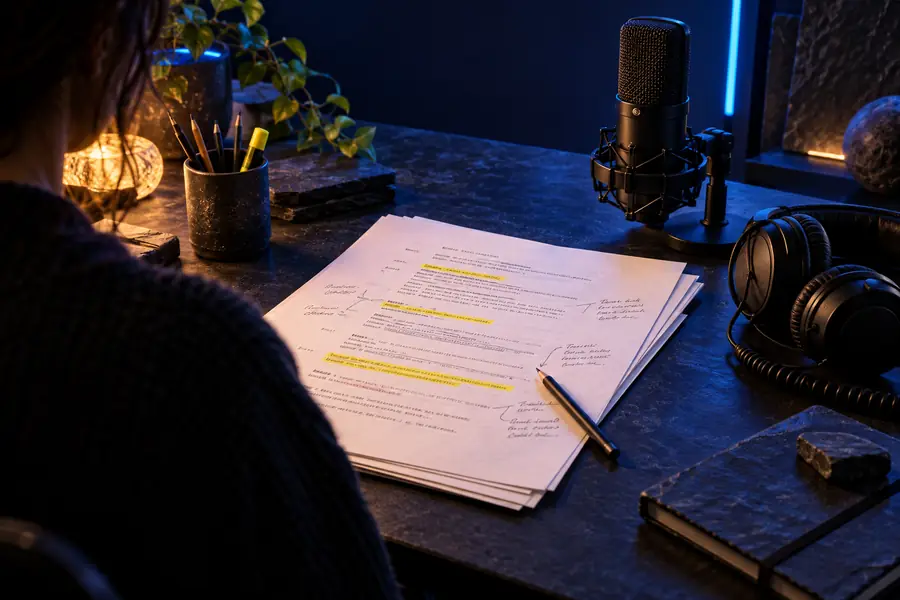
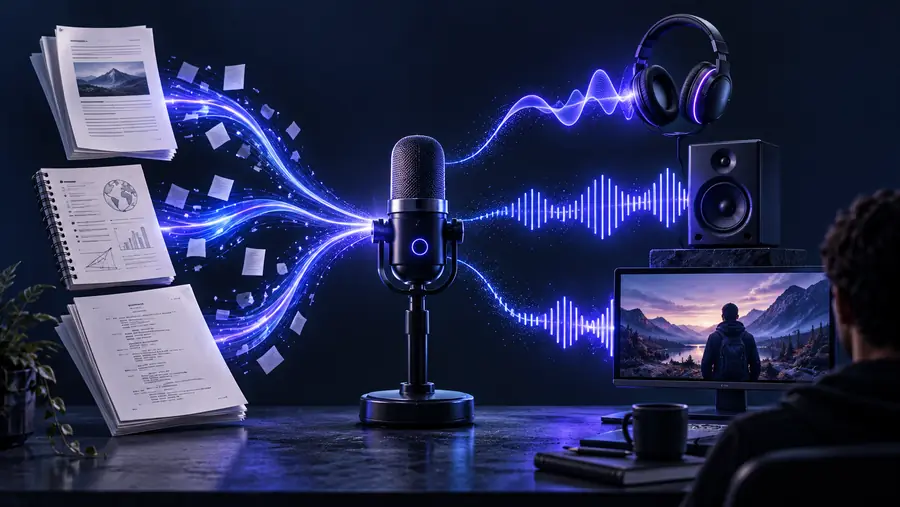 Written input
Spoken output
Written input
Spoken output
Drag the divider or use arrow keys to compare both sides.
Written inputSpoken outputPractical uses
Spoken output can make information easier to review, more accessible to hear, and more adaptable across different content workflows.
Turn lesson notes, study guides, or revision material into audio for listening away from the screen.
Students can revisit written content through a spoken format.
voice changer text to speechConvert a prepared script into narration before assembling a tutorial, explainer, or short video.
You can judge pacing and clarity before recording or editing visuals.
text to speech ai online voice changerPrepare spoken versions of instructions, announcements, and informational copy.
Readers gain another way to engage with important written material.
voice changer text to speechTool overview
Use these practical checks to choose suitable source text and evaluate the resulting audio without assuming that every script will sound the same.
Primary material
Text input
A script, paragraph, lesson, or set of notes
Spoken output
Rendered speech based on the supplied wording
Review focus
Text input
Spelling, punctuation, names, and sentence flow
Spoken output
Pronunciation, pacing, emphasis, and clarity
Best preparation
Text input
Use complete sentences and mark important pauses
Spoken output
Listen for words that need rephrasing or context
Common issue
Text input
Long lines or ambiguous abbreviations
Spoken output
Unnatural rhythm or unexpected pronunciation
Useful revision
Text input
Add punctuation and clarify acronyms
Spoken output
Adjust the source wording and regenerate
Final check
Text input
Confirm the script says what you intend
Spoken output
Confirm the audio matches the intended meaning
Example outputs
These examples show how different source materials can become useful voice content when the wording is prepared for listening.
 Narration
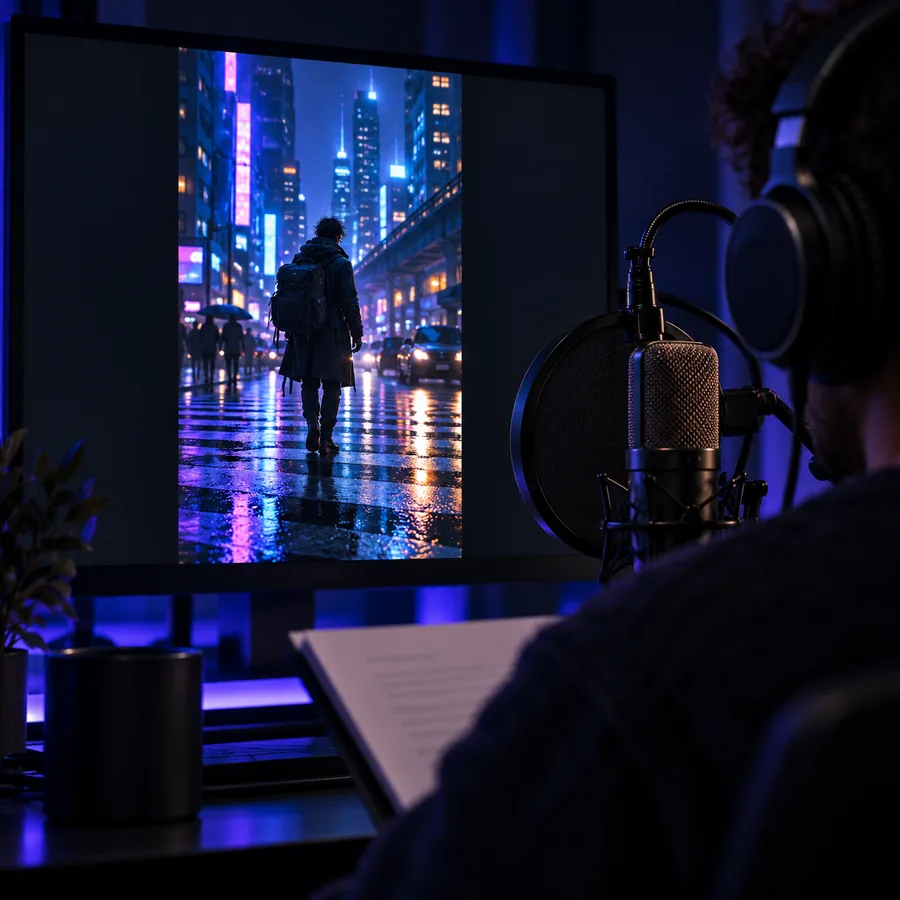 Education
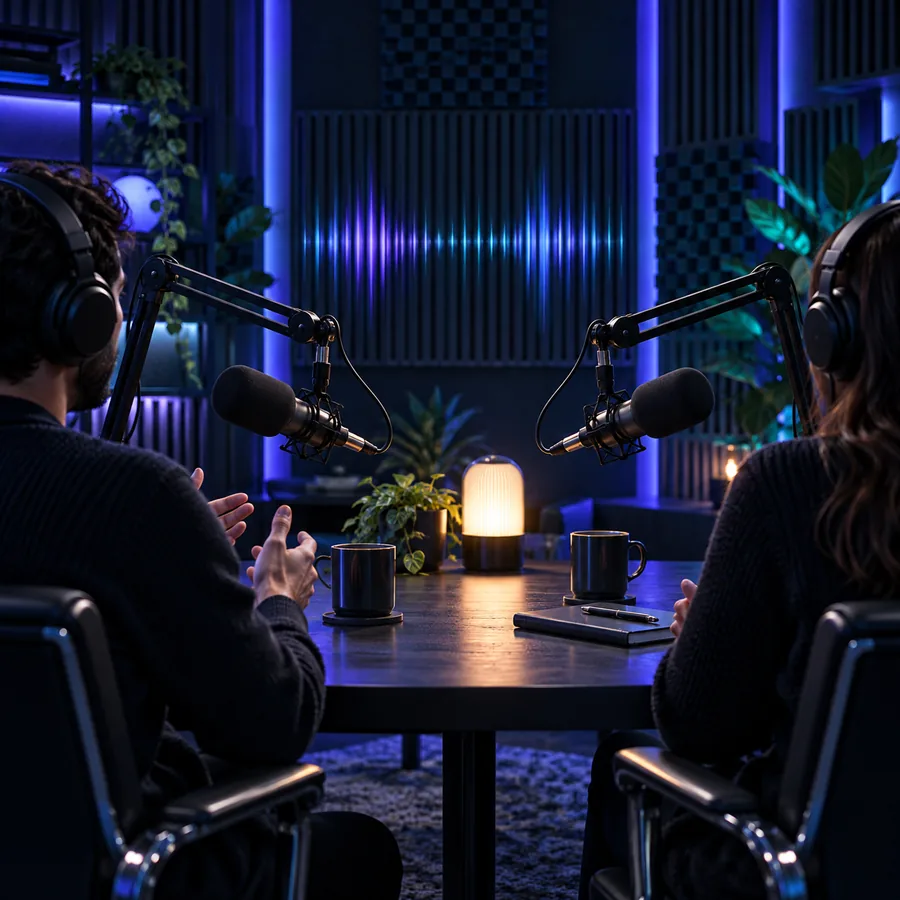 Podcast
Know the limits
Conversion is useful, but the source text still controls much of the meaning, pronunciation, and performance quality.
A vague or poorly structured script may produce equally unclear speech.
Workaround
Rewrite long sentences and add punctuation before converting.
Names, acronyms, and specialist terms can be interpreted unexpectedly.
Workaround
Spell out difficult terms or revise the wording after listening.
Spoken output may sound fluent while still containing an incorrect claim or typo.
Workaround
Proofread the source and listen through the complete result.
Dense lists, abrupt fragments, and excessive symbols can create awkward pacing.
Workaround
Format the script for the ear, using shorter sentences and deliberate pauses.
Ready to convert
Bring a paragraph, lesson, or narration draft and test how it sounds when read aloud. Refine the wording after listening so the final voice matches your intent.
Convert text to speechCommon questions
It is a tool that changes written text into spoken audio. You provide a script or passage, then review the generated voice output for clarity and accuracy.
Paste or enter the text you want to hear, submit it to the converter, and listen to the result. If a sentence sounds awkward, revise the wording or punctuation and convert it again.
Common inputs include scripts, lesson notes, announcements, articles, and short narration drafts. The clearest results usually come from complete sentences with readable punctuation.
No tool can guarantee perfect pronunciation for every name, acronym, or specialist term. Listen to the output and adjust unusual spellings or phrasing when needed.
Write for the ear rather than the page: use shorter sentences, clear punctuation, and explicit wording. Listening to a draft often reveals places that need a pause or a simpler expression.