

Texttospeechai · text to speech ai

Turn written words into natural-sounding voice

Voice workflow

Voice Changer Text to Speech for Cleaner Narration

Voice changer text to speech workflows begin with a recorded or transformed voice and end with generated narration. This guide shows where text to speech AI helps, what can disappear during conversion, and how to check the result before publishing.

Review output before publishing
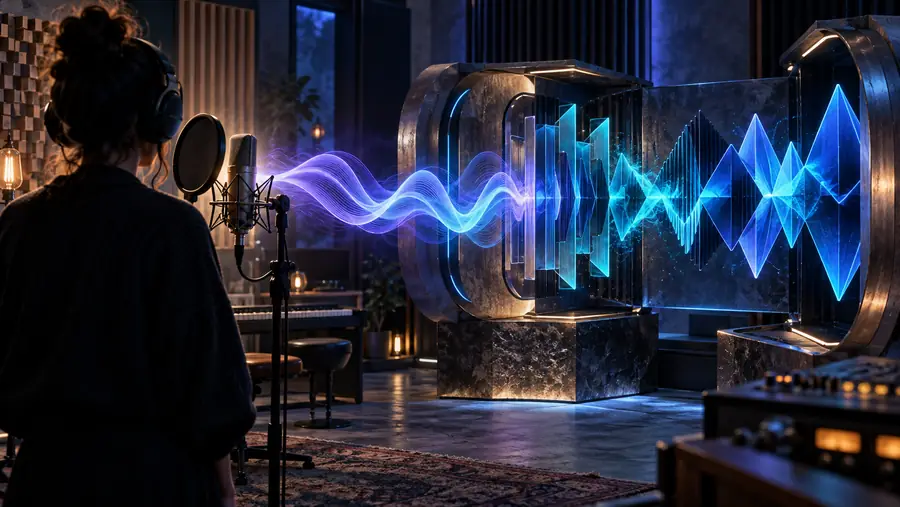
Voice narration workflow shown in a modern audio workspace

Voice changer and text to speech: structural difference

Both workflows can alter how words sound, but they start from different inputs. A voice changer reshapes audio that already exists; text to speech creates speech from written language.

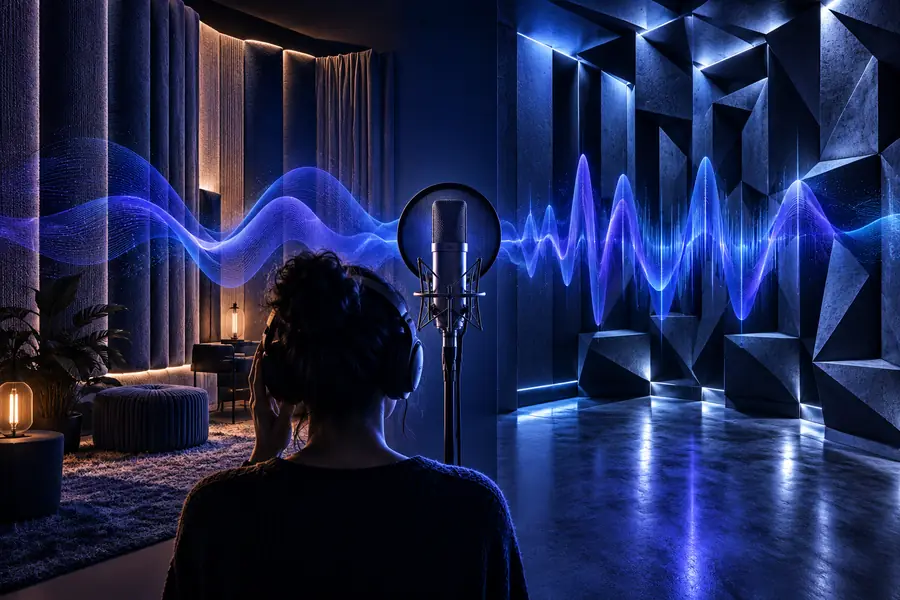
Recorded voice transformed with a voice changer Generated narration created from written text Changed recording Generated narration

Drag the divider to compare the source-led and script-led approaches.

Changed recordingGenerated narration

What conversion loses

The choice between a voice changer and a text-led workflow affects timing, expression, editing control, and the amount of source audio you must keep.

Voice changer
Text to speech AI

Starting input

Voice changer

Recorded speech or an audio file

Text to speech AI

Written script or prompt

Timing

Voice changer

Keeps the original delivery and pauses

Text to speech AI

Can be revised by editing the script

Emotion

Voice changer

Preserves source performance more closely

Text to speech AI

Depends on the selected voice and instructions

Mistake correction

Voice changer

Often requires rerecording or audio repair

Text to speech AI

Usually starts with a script edit

Speaker identity

Voice changer

Transforms an existing performance

Text to speech AI

Uses a generated voice profile

Room noise

Voice changer

May carry noise, echo, or microphone color

Text to speech AI

Avoids those recording artifacts in the source

Pronunciation control

Voice changer

Follows what the speaker already said

Text to speech AI

Can be guided with spelling and punctuation

Best fit

Voice changer

Preserving delivery while changing character

Text to speech AI

Producing consistent narration from text

Try the text to speech tool

Use a short script first. These example prompts show how to specify pacing, tone, and pronunciation without overloading the instruction.

prompts.log
  1. 1
    Read this lesson in a warm, patient teaching voice. Pause briefly after each key idea and pronounce technical terms clearly.
    Educational narration Short lesson · measured pace
  2. 2
    Introduce the podcast with an inviting, conversational voice. Keep the energy steady and make the final sentence sound confident.
    Podcast intro Opening script · conversational
  3. 3
    Deliver this product voiceover with a clear studio tone, natural pauses, and emphasis on the three feature names.
    Studio voiceover Feature script · clear emphasis
Warm educational narration example 1 Lesson
Podcast introduction narration example 2 Podcast
Studio voiceover narration example 3 Voiceover

Change one variable at a time: pace, warmth, emphasis, or pronunciation.

How to verify the result

A convincing preview is not enough. Check the generated narration against the script, then listen for details that a quick playback can hide.

Creators replacing a rough recording

You have a usable script but the original take has room noise or uneven delivery.

The text to speech converter can give you a clean comparison point before you decide whether to keep the edited recording.

text to speech converter

Editors comparing transformed voices

You want to compare a changed recording with narration generated directly from the same words.

The text to speech ai online voice changer page helps frame that comparison around source audio, script control, and final review.

text to speech ai online voice changer

Course makers checking pronunciation

A lesson includes names, abbreviations, or specialist vocabulary that must sound consistent.

Read the script aloud while following the output and mark every word that needs alternate spelling, punctuation, or a slower delivery.

text to speech converter

Short-form video producers

You need several clips to share a similar narrator style without rerecording each variation.

The text to speech ai online voice changer route gives you a useful reference for comparing voice direction before assembling the final cut.

text to speech ai online voice changer

Estimate your narration output

Use the slider to estimate source length and listening time before you prepare a longer script. The estimate uses a steady reading pace of about 150 words per minute, not a product limit.

Approximate characters

characters

Estimated narration time

seconds

Voice conversion examples

These examples illustrate how the same text-led workflow can support different formats. Treat each input as a starting brief and listen for clarity before making a final choice.

  • Educational lesson voice example Teaching
    1
    Input: a short lesson explaining one concept in a calm, patient style. Educational narration
  • Podcast microphone voice example Podcast
    2
    Input: a podcast opening that needs a conversational pace and a confident close. Podcast introduction
  • Professional studio voiceover example Voiceover
    3
    Input: a feature script with names that need consistent emphasis and pronunciation. Studio voiceover
  • Audiobook reading voice example Story
    4
    Input: a narrative paragraph requiring steady pacing and clear sentence endings. Audiobook reading

How this format evolved

Voice workflows have moved from fixed recordings toward more editable, script-led production. The result is not one universal replacement; it is a broader set of choices for different source materials.

  1. Recorded speech becomes the baseline

    Broadcast and studio production establish the importance of microphone technique, room control, pacing, and repeatable takes.

  2. Rule-based speech synthesis expands

    Early text-led systems make written words speakable, but the sound is strongly shaped by limited rules and synthetic timing.

  3. Digital voice transformation matures

    Voice changer software makes pitch, tone, and character changes more accessible for recordings, entertainment, and experimentation.

  4. Neural narration improves continuity

    Machine-learning systems begin producing smoother phrasing and more natural transitions from written scripts.

  5. Creators combine both workflows

    A voice changer can preserve a performance while text to speech AI can rebuild narration from editable copy, making side-by-side review more practical.

Choose the workflow that protects your message

Start with the source you actually have: a recording when delivery matters most, or a script when revisions and consistency matter most. Use the tool to test a short passage, compare the result, and keep a human review step before release.

Test a voice workflow
  • Compare source audio with generated narration
  • Guide pace, tone, and pronunciation in the script
  • Review every final clip against the written words

Voice changer text to speech FAQ

Answers to common questions about moving between transformed recordings and generated narration.

A voice changer starts with recorded speech and modifies qualities such as pitch, tone, or character. A text-led system starts with written words and creates a new spoken performance, so the original timing and delivery may not carry over.

It can be directed toward a similar mood, but it does not automatically preserve every breath, pause, or performance choice from the source recording. If the original emotion is essential, compare the transformed recording with a generated sample before choosing.

The two methods use different source signals. A changed recording retains the speaker's timing and room characteristics, while generated narration interprets the script through a selected voice, punctuation, and delivery instructions.

Listen while following the written script and flag names, abbreviations, numbers, and specialized terms. Test alternate spellings or punctuation for unclear words, then replay the full sentence to make sure the correction still sounds natural.

Use a voice changer when you want to preserve an existing performance while altering its character. Use text to speech AI when the script will change often, several clips need consistent narration, or rerecording the original speaker is impractical.

Start creating
Start creating